










- 電化學相關(5)
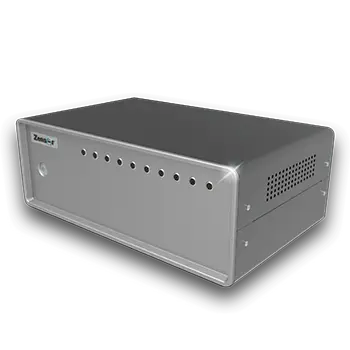
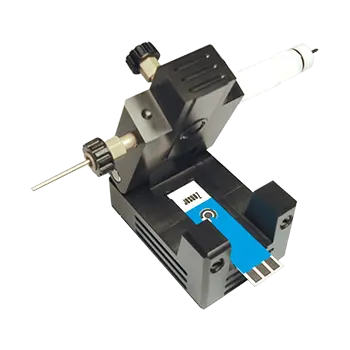
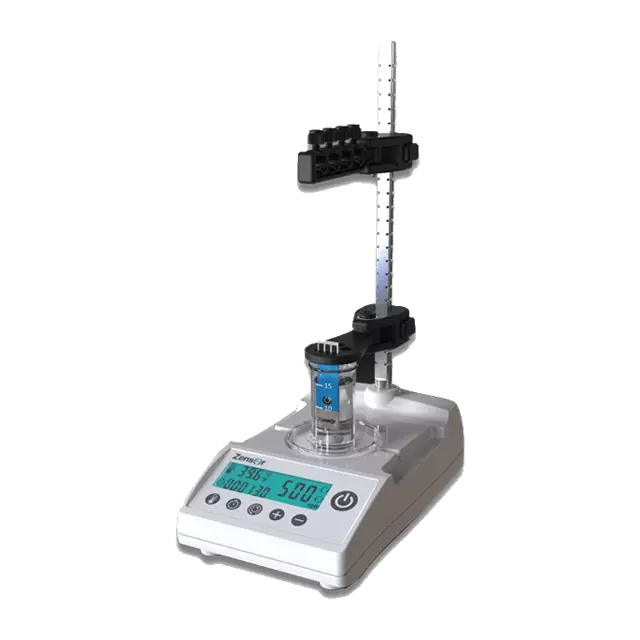
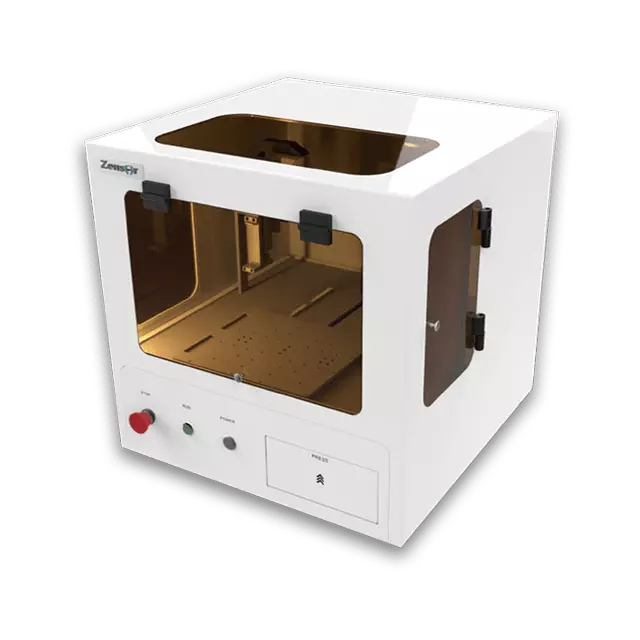
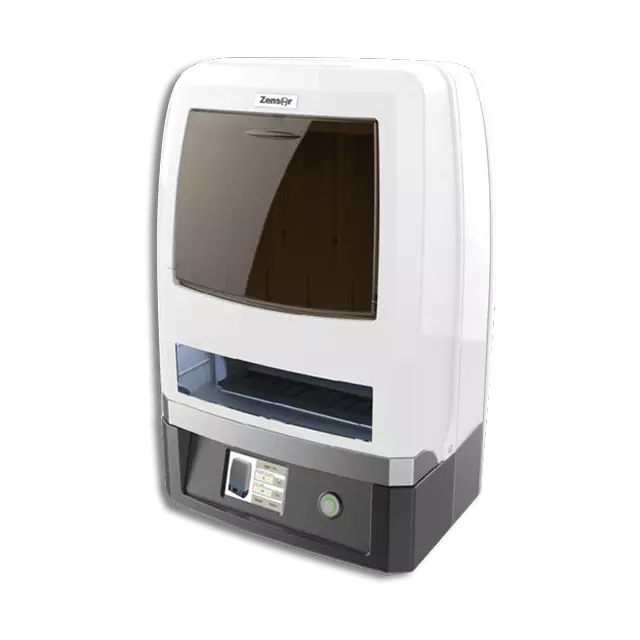
- 化學感測器實擬分析儀 - Zensor Simulator(4)
- ECAS100
- ACIP100
- Optical + EC
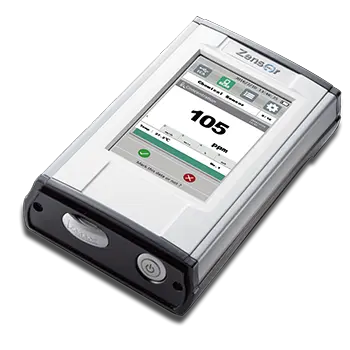
- 電化學偵測器 - Zensor ECD(1)
- SF100
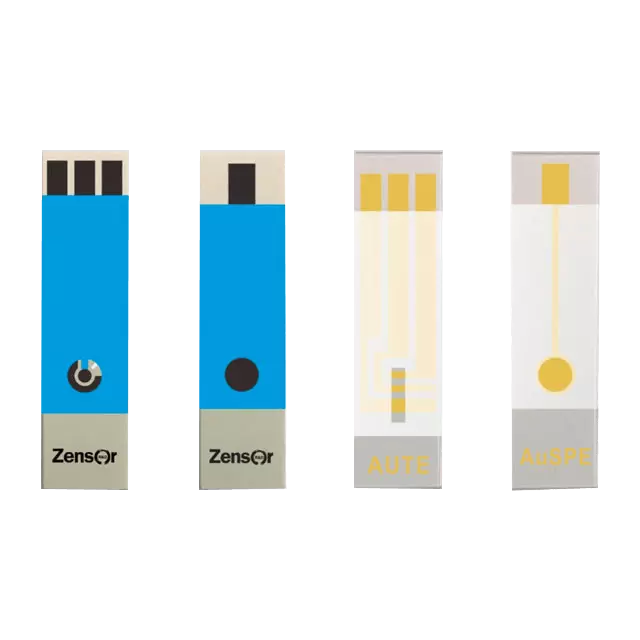
- 網版印刷電極 - Zensor SPE(7)
- 電極客製服務
- TE100 碳三電極
- SE100 碳單電極
- AG100 銀電極
- AUSE100 金電極
- SAUTE100 金電極
- AUTE200 金電極
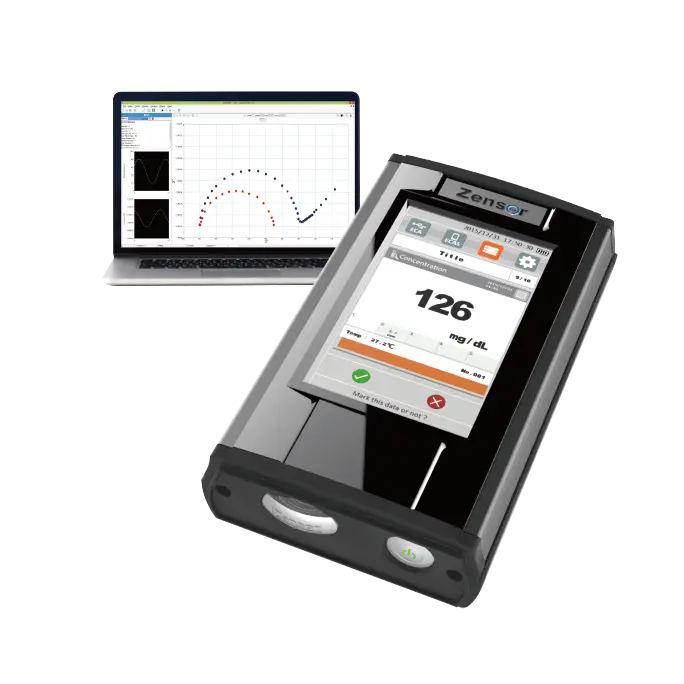
- 無線&多通道恆電位儀 / 電化學分析儀 - Zensor MCP(2)
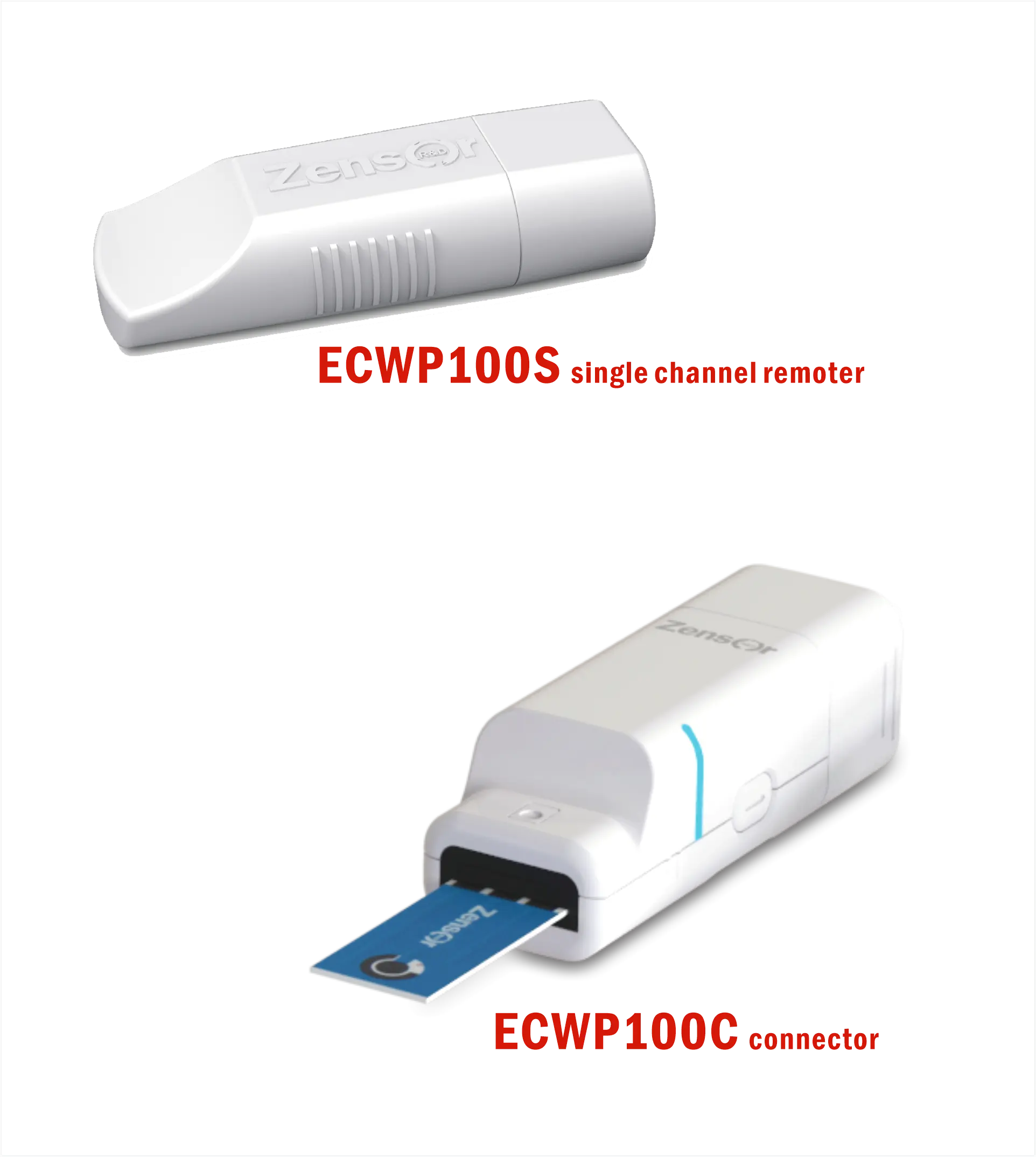
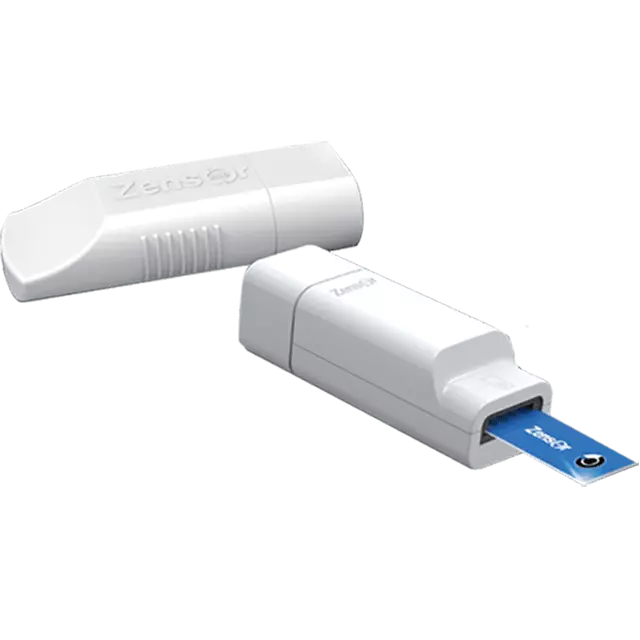
- ECWP100
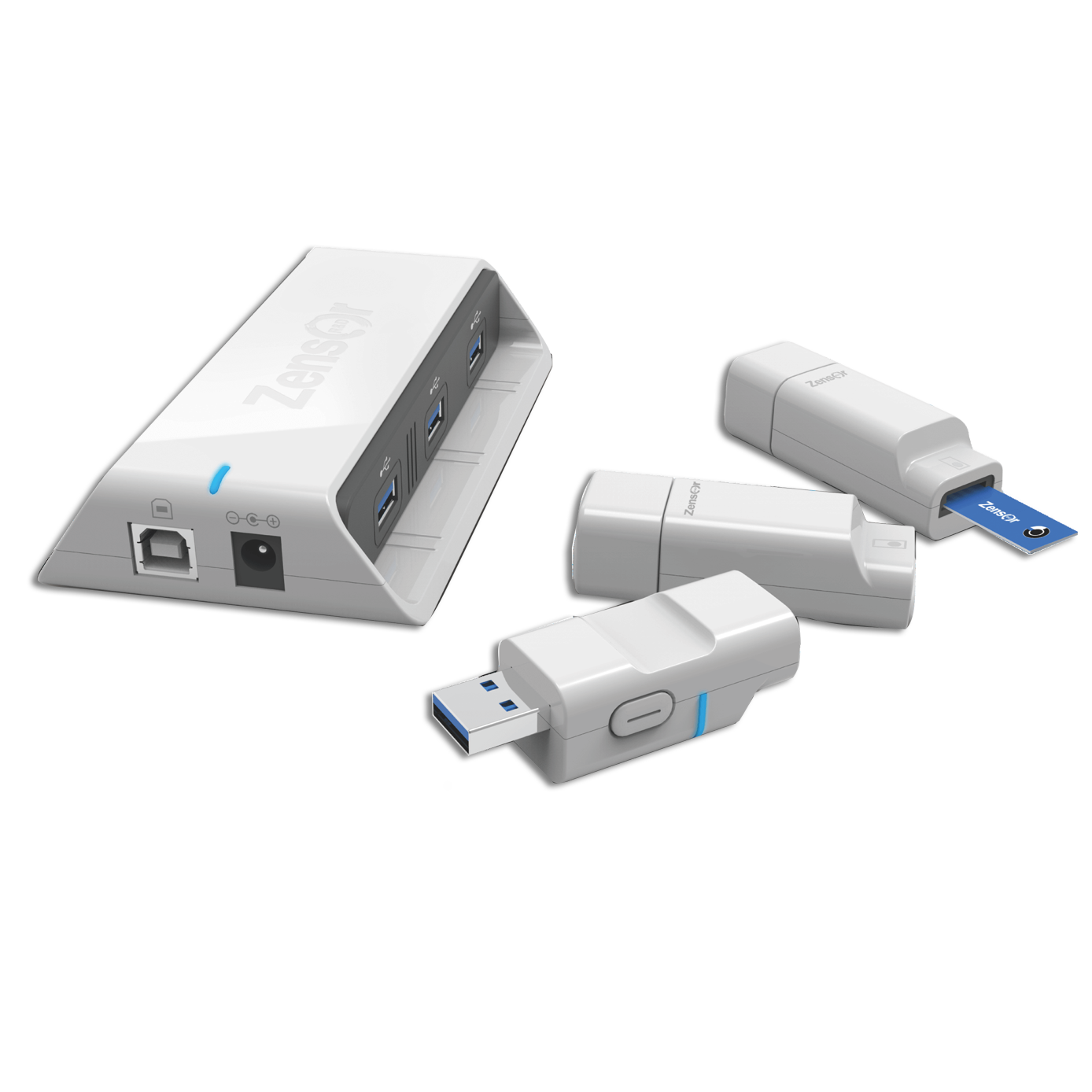
- MCP100
- 其他產品(3)
- CS100
- CM100
- CT100
- 化學感測器實擬分析儀 - Zensor Simulator(4)
- 相關公司(8)


ECWP100 User Guide
Use this interactive website to quickly learn how to conduct your own electrochemical experiments with the ECWP100.
First time using ECWP100?
Start the interactive tutorial and begin your first electrochemical experiment right away
01
ECWP100 Introduction & Connection
Get started with the ECWP100 electrochemical analyzer.
02
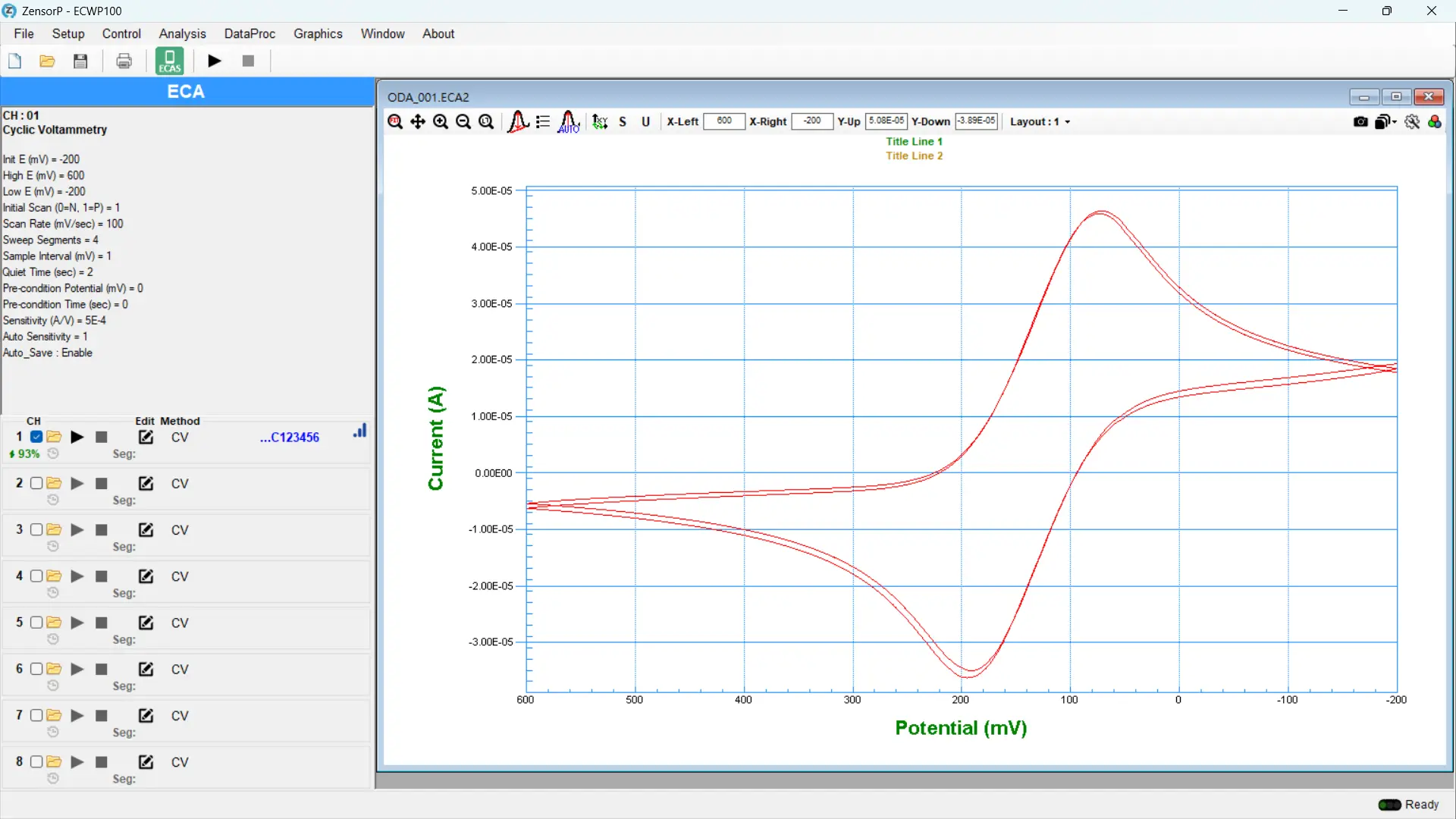
ECA Mode
Start your first electrochemical experiment.
03
ECAS Mode
Transform ZensorP into your personalized experiment tool.
Step Description
- ✓
- ✓If pairing fails, go to
- ✓Click the icon to enter✓Choose manual or automatic peak measurement✓displayed in the lower left pane
- ✓Click 1 to perform or side-by-side view✓Click 2 to
- ✓Select the required number of Procedures✓Select the electrochemical method /✓Enable AutoSave and set the file path and name
- ✓Click to enter Step 2: Data Analysis✓Click headers to switch between Procedures✓Select the total number of values to extract✓Set the segment and range for each value✓Select the desired
- ✓Click to enter Step 3: Concentration Transfer✓Enter the , referencing Step 2 values (I1, I2...)✓Enter the unit and number of decimal places
- ✓Click Start to begin the experiment✓The formula result will appear in the lower left phone screen area✓Click Start Sharing to send the formula result to✓Click Save to store the entire ECAS experiment workflow
End
A:
- ✓
- ✓

ECWP100 Specifications
| Item | Description |
| Electrochemical Methods | (A) Cyclic Voltammetry (CV). (B) Linear Sweep Voltammetry (LSV). (C) Square Wave Voltammetry (SWV). (D) Differential Pulse Voltammetry (DPV). (E) Amperometry (IT). (F) Open Circuit Potential (OCP). (G) Pulsed Amperometry (Pulsed IT) |
| Specifications | (A) Voltage range scan: +2 V – -2 V. OCP voltage range: +1800 mV – -1800 mV. (B) Current range: 1x10⁻³ – 1x10⁻⁹ A. (C) Current resolution: 0.5% of current range. Maximum wireless distance: 20 m. |
| Operating System | Window 10 or above. |
| Connection | USB1.1 and 2.4G RF. |
| Power & Consumption | (A) Single input: DC 5 V, 2 A. Connector input: DC 5 V, 0.5 A. (B) Working battery life: 3 hr – 6 hr. |
| Dimensions | Single: 57.5 mm x 22.0 mm x 13.7 mm. Connector: 61.0 mm x 20.0 mm x 19.5 mm. |
| Weight | Single: ~ 15 g. Connector: ~ 25 g. |